Key takeaways
- Most lost online sales start in one of three places: the wrong visitors, slow or incomplete pages, or a checkout with surprise costs and extra steps.
- Google rates a Largest Contentful Paint of 2.5 seconds or less and an Interaction to Next Paint of 200 milliseconds or less as good, judged on real-user data.
- Follow visitors through four GA4 events – view_item, add_to_cart, begin_checkout and purchase – and fix the step with the biggest drop first.
- UK online sellers must give delivery costs and delivery times before an order is placed, so show them on the product page, not only at checkout.
- If the platform still fits, Complete Digital Care costs £249 per month with 4 hours of work included; if it does not, an eCommerce website costs from £4,900 and takes about 5 weeks.
Why is your website getting visitors but no sales?
If your website is not getting sales despite visitors, the problem is usually in one of three places: the wrong visitors, pages that are slow or do not answer buyers' questions, or a checkout that surprises people with delivery costs and extra steps. These three places are where small businesses usually lose online sales. Start by finding where visitors leave – in GA4 or with a test order of your own – then fix the cheapest problem first; many fixes take hours rather than a new website.
Each of those three places – traffic, pages and checkout – needs a different fix: better ads will not repair a broken checkout. The nine reasons below are the most common answers when a website is not converting or an eCommerce store is not making sales, each with the sign to look for and the first fix to try.
- Wrong visitors. Sign: plenty of visits, few product views. First fix: check which searches and ads bring people in, and send ads to product or category pages, not the home page.
- Slow mobile pages. Sign: phone visitors leave the first page quickly. First fix: compress images and remove plugins and scripts you no longer use.
- Product pages with missing answers. Sign: products are viewed but rarely added to the basket. First fix: add sizes, materials, stock, delivery and returns to every product page.
- Products that are hard to find. Sign: searches with no results and long trips through menus. First fix: tidy categories, filters and site search.
- Surprise delivery costs or dates. Sign: many baskets, few checkouts started. First fix: show delivery prices and dates before the basket.
- Forced accounts and long forms. Sign: drop-off on the first checkout step. First fix: guest checkout and postcode address lookup.
- Missing payment methods. Sign: drop-off at the payment step. First fix: add the wallets your customers use, such as PayPal, Apple Pay and Google Pay.
- Weak trust signals. Sign: first-time visitors leave fast or email to ask whether you are real. First fix: reviews with their source, company details and a clear returns policy.
- Something is broken. Sign: orders drop suddenly after an update. First fix: place a test order and check forms, payments and confirmation emails.
Is a slow website costing you sales?
Yes, it can – especially on mobile, where many shoppers browse and where a slow page is most likely to fail. A visitor who stares at a blank screen or a jumping layout often goes back to the search results and buys from the next shop, and that lost sale never appears in your orders.
In plain terms, Google measures three things on real phones and computers: how quickly the main content appears (Largest Contentful Paint, LCP), how quickly the page reacts to a tap (Interaction to Next Paint, INP) and how much the layout jumps while it loads (Cumulative Layout Shift, CLS). Google rates an LCP of 2.5 seconds or less and an INP of 200 milliseconds or less as good.
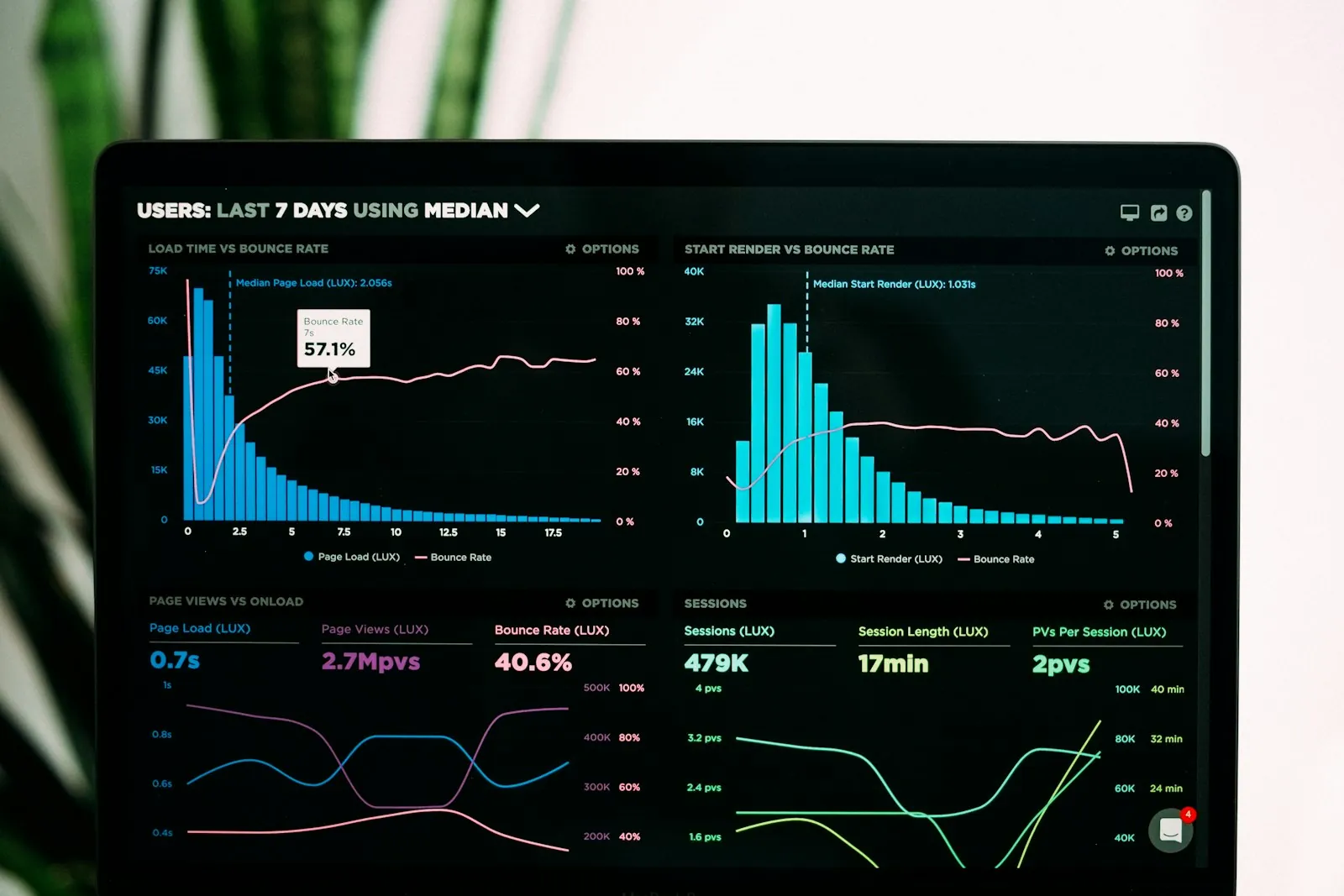
Measure before you change anything. PageSpeed Insights shows a lab test and, if your site has enough visitors, field data from real Chrome users; the Core Web Vitals report in Search Console groups URLs with similar issues, so you can see whether product or category pages are the problem. Judge results by field data over a few weeks, not by a single lab score.
In small shops the usual causes are full-size photos straight from a camera, unused plugins and apps, chat widgets and trackers that load before the product, and cheap shared hosting. Converting images to WebP, removing unused plugins and delaying third-party scripts often helps sales more than any new feature. If the platform itself is the bottleneck, see our comparison of Next.js and WordPress page speed.
Do your product pages answer buyers' questions?
A product page answers buyers' questions when it shows the item clearly and states sizes, stock, delivery, returns and the final price before the basket; when an answer is missing, shoppers look for it in another tab – and often buy there. AI shopping assistants work the same way: they can recommend a product with confidence only when its sizes, stock and price are stated as clear facts.
Products that need measurements or options are the hardest case, because the price depends on what the buyer chooses. For InteriaHome, a shop in Lithuania selling blinds, curtains and insect screens made to the customer's window size, we built a WooCommerce store with price calculators on the product pages and fabric previews on interior photos, so the buyer sees the price and the look before adding anything to the basket.
In a large catalogue the problem is often finding the product at all: categories overlap, half the range ends up in one catch-all section and filters return nothing. We explain how we approach fixing product filters and messy category trees in a separate post, and for a different kind of shop you can see our full eCommerce build for a watch brand.
Whatever you sell, check every product page against this list:
- Photos from several angles, with zoom, and at least one that shows scale or the product in use.
- Exact sizes, materials, compatibility and what comes in the box.
- Stock status that is true – an order for an item you no longer have costs you the sale and the customer.
- Delivery price, delivery dates and the returns policy on the product page itself, not only in the footer.
- A final price without surprises: options and any extra charges visible before the basket.
- Search and filters that narrow a large range by size, colour, price and availability.
What are the main reasons for cart abandonment?
Cart abandonment usually comes down to surprise delivery costs or slow delivery, forced account creation, a missing payment method or a long or broken checkout form. You can test each one with an order of your own. Check delivery first: it is the cost shoppers meet last, after they have already decided to buy. UK online sellers must also give delivery arrangements, costs and delivery times before an order is placed, so showing them early is a requirement as well as a sales fix.
- Unexpected delivery costs. Show delivery prices on the product page and in the basket; if you offer free delivery above a threshold, show how far the basket is from it.
- Slow or vague delivery. State the cut-off time for same-day dispatch and an estimated delivery date, and offer a faster option or click and collect if you can.
- Forced account creation. Offer guest checkout and invite people to create an account after the order is placed.
- Missing payment methods. Cards alone are not enough for many shoppers, and express wallets such as PayPal, Apple Pay and Google Pay also shorten the checkout on phones.
- Long forms. Ask only for what you need to deliver the order, use UK postcode address lookup and make sure the form is easy to fill in on a phone.
- A discount code box that sends people away. A prominent ‘discount code’ field tempts shoppers to leave and search for one; keep it low-key or show your current offers yourself.
Does your website look trustworthy enough to buy from?
A website looks trustworthy enough to buy from when a first-time visitor can quickly see reviews with a source, your company details, a clear returns policy and HTTPS on every page. Trust is part of the checkout, not decoration: shoppers rarely tell you they left because a shop looked unsafe – they simply do not come back.
- Reviews with a visible source, such as a link to your Google or Trustpilot profile, rather than unattributed quotes.
- Clear company details: for a limited company, the company name, company number and registered office, plus a real contact address and phone number.
- A returns and refunds policy in plain English, linked from every product page.
- Contact options that are easy to find and a reply time you actually keep.
- HTTPS on every page, with no browser warnings or mixed-content errors.
- Up-to-date content: an old copyright year, a blog that stopped years ago or broken images suggest that nobody is minding the shop.
Where do visitors leave your website without buying?
You find where visitors leave by following them through four steps in Google Analytics 4: view_item (a product is viewed), add_to_cart, begin_checkout and purchase. Fix the step with the biggest drop first, because improvements further down the funnel cannot help people who never get there.
Not every visitor accepts analytics cookies, so GA4 rarely sees everyone: treat the funnel as a guide and confirm what it shows. Your own numbers matter more than any industry average.
- Set up a funnel in GA4 with four steps: view_item, add_to_cart, begin_checkout and purchase.
- Find the step with the biggest drop – that is your bottleneck.
- Split the funnel by device to see whether the checkout fails on phones but works on a laptop.
- Compare baskets started with orders placed to get your own cart abandonment rate.
- Fix the bottleneck first, then check the funnel again after a few weeks.
Then check the places analytics cannot see:
- Search Console: which searches bring people to each page, and whether they match what the page sells.
- A test order every month and after every update – on a phone, as a guest, through to the confirmation email.
- Forms and payments after plugin, theme or platform updates: a contact form or payment gateway that has quietly stopped working loses sales without any warning.
- Stock that is out of sync with your supplier or warehouse, so customers order items you cannot send.
- Site searches that return no results – they show exactly what people wanted and could not find.
Should you fix your website or rebuild it?
Fix your current website when the platform can do what you need and the problems are content, speed or checkout settings; rebuild it when the platform itself is the limit. Most fixes in this article – delivery information, guest checkout, payment methods, image sizes, reviews with a source – can be made on an existing shop. Shops also lose sales after updates, when nobody re-tests the whole journey; our Complete Digital Care plan tests updates on a staging copy first and monitors the site afterwards.
A rebuild is worth considering when the platform is out of date and cannot be updated safely, when every change needs a developer, when the shop cannot connect to your suppliers or stock, or when the mobile checkout cannot be fixed without fighting the theme.
If the platform is fine, Complete Digital Care costs £249 per month and includes 4 hours of work that can go towards fixes like these. If it is not, an eCommerce website from Sparcley costs from £4,900 and takes about 5 weeks, including integration with 1 supplier or upload of up to 50 products. Either way, start with the funnel: it tells you which problem you are paying to solve.
Website not getting sales FAQ
Why is my website not getting sales even though it gets traffic?
Usually because the traffic does not match what you sell, or because visitors leave on the product page or in the checkout. Check the GA4 funnel – product views, add to basket, checkout, purchase – and fix the step that loses the most people first.
Why do people leave my website without buying?
The most common reasons are slow pages, missing product or delivery information, too little trust in an unfamiliar shop and costs that appear only at checkout. A test order on your own phone usually reveals at least one of them.
What are the main reasons shoppers abandon their basket?
Check five things first: unexpected delivery costs, slow or unclear delivery dates, forced account creation, a missing payment method and a long checkout. Show delivery prices early, offer guest checkout and add express wallets before changing anything else.
Can a slow website really cost me sales?
Yes, especially on mobile, where a slow or jumping page sends shoppers back to the search results. Measure it with the field data in PageSpeed Insights and the Core Web Vitals report in Search Console, both based on real Chrome users, rather than chasing a single lab score.
How can a small business increase online sales quickly?
Start with five quick steps: place a test order, show the delivery price on product pages, enable guest checkout, add PayPal, Apple Pay or Google Pay, and show reviews with their source. Each can usually be done on an existing shop.
Should I fix my current online shop or build a new one?
Fix it when the platform still fits and the problems are content, speed or checkout settings – Complete Digital Care costs £249 per month and includes 4 hours of work. Rebuild when the platform is the limit: an eCommerce website costs from £4,900 and takes about 5 weeks.
Sources
- Web Vitals
web.dev (Google) · accessed
- Core Web Vitals report
Google Search Console Help · accessed
- About PageSpeed Insights
Google for Developers · accessed
- Measure ecommerce
Google Analytics, Google for Developers · accessed
- [GA4] Funnel exploration
Google Analytics Help · accessed
- Online and distance selling for businesses
GOV.UK · accessed